
Student Laptop Essentials in Sri Lanka: What to Buy With It
The accessories worth buying alongside a student laptop in Sri Lanka — a bag that actually protects it, backup storage, a mouse, and power for long campus days. What to skip, too.
update Published 5 August 2026
The laptop is the expensive decision, and it gets all the attention. What you buy alongside it costs a fraction as much and determines whether the laptop survives three years of being carried around, and whether you ever lose an assignment.
Here is what genuinely earns a place in the budget.
1. Something to carry it in
This is the one that actually protects your investment, and the one most often skipped.
- A sleeve guards against scuffs and light knocks, but it has to go inside another bag.
- A padded backpack carries the laptop, charger, books and water bottle together, and spreads the weight across both shoulders — which matters on a daily commute.
If you already have a backpack you like, a sleeve inside it is cheaper and just as safe. If you do not, buy the backpack.
Two things to check: measure your laptop rather than trusting the size on the label — thicker machines often will not close in a bag cut for a slim one — and look for corner padding and a raised base, because most damage happens when a bag is set down hard rather than dropped.
See best laptop backpacks or best laptop bags & sleeves.
2. Backup storage — before you need it
Cloud storage is good for day-to-day sync and bad as your only copy: it needs a connection, and it only helps if you actually saved to the right folder.
A USB flash drive or a portable SSD gives you a physical copy that works with no internet. An SSD is faster and holds more; a flash drive is cheaper and fits on a keyring. Either beats not having one.
The rule worth adopting: two copies, in two places. See best external storage, best USB flash drives, or how to choose a memory card if your work is photos and video.
3. A mouse
Trackpads are fine for browsing and slow for spreadsheets, design work and anything with precision. A basic wireless mouse is one of the cheapest upgrades available and one of the most noticeable.
Skip the gaming mouse unless you game — the extra buttons and the DPI numbers do nothing for coursework. See best wireless mice.
4. Power for a long day
Campus sockets are scarce and usually taken, and outages do not schedule themselves around deadlines.
- A USB-C power bank with Power Delivery keeps a phone going all day and will top up many laptops. Check it supports enough wattage for your machine before assuming — see what wattage charger do I need.
- A compact GaN charger is worth it if your laptop’s original brick is heavy. A 65W GaN charger is roughly the size of an old phone charger and can charge the laptop and phone together.
See best power banks and best GaN chargers.
5. Something to work in
Libraries are not quiet and shared rooms are worse. A pair of earbuds or headphones with decent isolation is a study tool, not a luxury.
Noise cancelling helps most with constant background noise — fans, traffic, air conditioning — and less with conversation. See best noise-cancelling earbuds or best headphones.
What to skip
- A cooling pad. Most student-laptop overheating is a soft surface blocking the intake underneath. Work on a hard surface and the problem largely goes away.
- A mechanical keyboard, if the laptop travels daily. Lovely at a fixed desk, dead weight in a bag.
- A gaming mouse, if you do not game.
A sensible buying order
- Bag or sleeve — day one, before the laptop gets carried anywhere.
- Flash drive or SSD — before the first deadline.
- Mouse — as soon as real work starts.
- Power bank — before the first long campus day.
- Earbuds — when you find out how loud the library is.
Related: How to choose a laptop · How much RAM and storage do you need · Home office setup · KOKO installments explained
The student kit, in stock now
Five things that matter in the first term, priced live. Take what you're missing — a single order pays one delivery charge, so there's no penalty for buying the lot together.
-
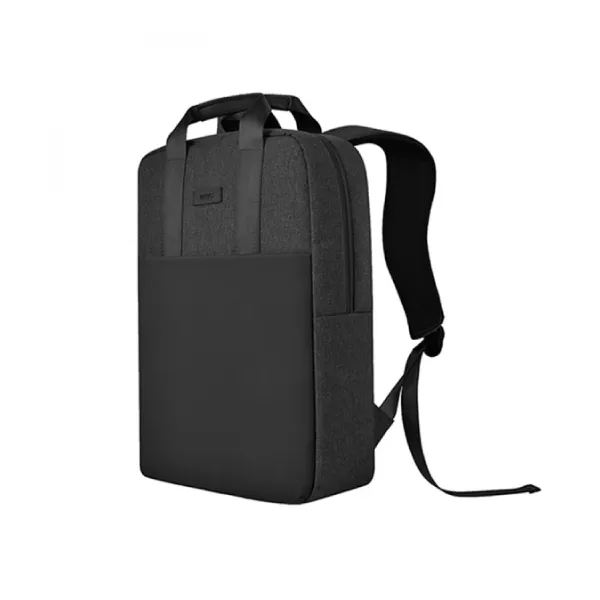 Something to carry it in WiWU Minimalist Backpack 15.6″
Sized for a 15.6-inch laptop, water-resistant, with a multi-pocket front for chargers and cables and a non-slip base.
LKR 8,299 tuneChoose options -
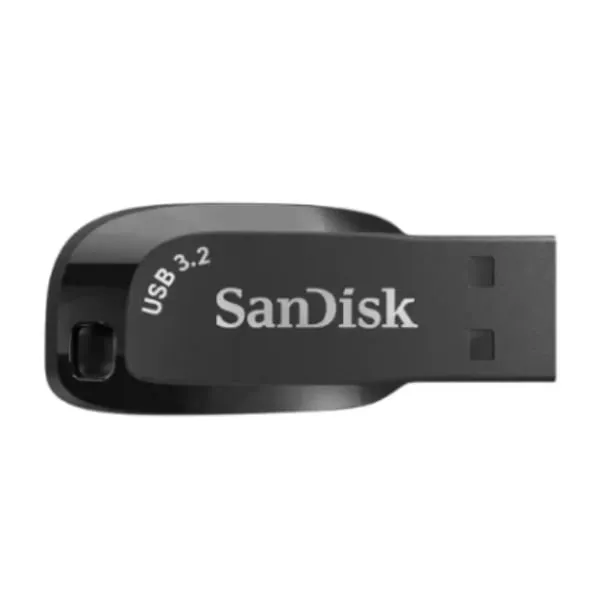 The backup SanDisk Ultra Shift USB 3.2 128GB Flash Drive
128GB over USB 3.2, plug-and-play on Windows and macOS. Back up before you need it, not after — the drive is cheaper than one lost assignment.
LKR 4,999 -
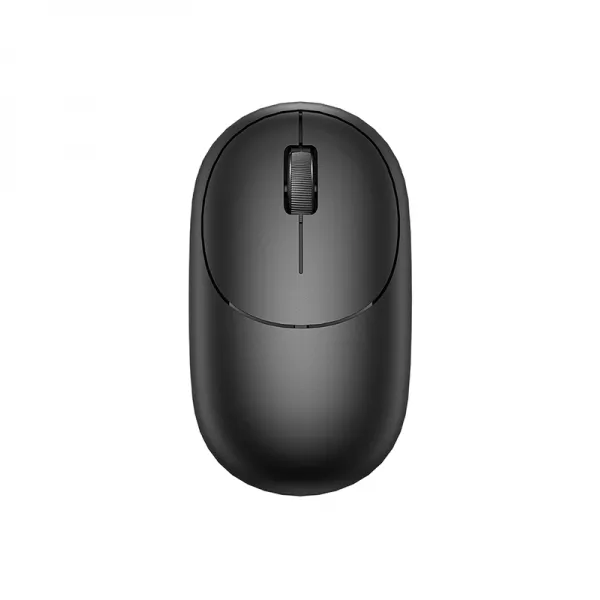 The mouse WiWU WM107 WIMICE Wireless Mouse – Black
114g, wireless, no cable to lose in a bag. A trackpad is fine until you spend three hours in a spreadsheet.
LKR 2,999 tuneChoose options -
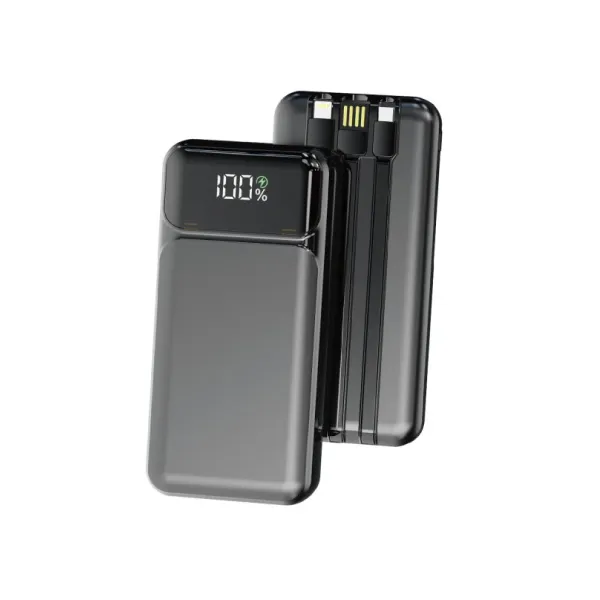 Power for a long day Aspor A315 10000mAh Power bank 22.5w Output
10,000mAh at 22.5W — roughly two phone refills, which covers a day of lectures away from a socket.
LKR 4,999 -
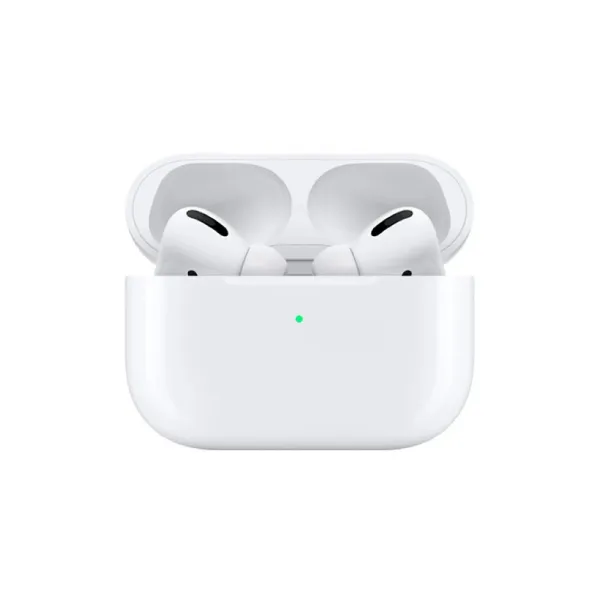 Something to work in WiWU Airbuds Pro ANC
Active noise cancellation against the constant background noise — fans, traffic, air conditioning — that makes shared study spaces hard to think in.
LKR 6,499
The whole kit: LKR 27,795 plus a flat LKR 450 delivery — charged once for the order, not once per item, so all 5 pieces arrive together on one trip and you pay cash at the door.
Ready to buy?
Every product is genuine and warranty-backed, and ordering takes one short form — pay cash when it reaches your door.
Frequently asked questions
What accessories does a student need with a laptop? expand_more
Four things earn their place: a padded bag or sleeve so the laptop survives being carried daily, backup storage so a lost assignment is not a crisis, a mouse because trackpads are slow for real work, and a way to charge on campus. Everything else can wait until you know how you actually study.
Do I need a laptop backpack or a sleeve? expand_more
It depends on what else you carry. A sleeve protects against scuffs and light knocks but has to go inside another bag. A padded backpack carries the laptop, charger, books and water bottle together and spreads the weight across both shoulders, which matters on a daily commute. If you already have a backpack you like, a sleeve inside it is the cheaper and equally safe option.
How should students back up their work? expand_more
Use two places, not one. Cloud storage handles day-to-day sync, but it depends on a connection and on remembering to save to the right folder. A USB flash drive or portable SSD gives you a physical copy that works without internet — worth having before a deadline, not after.
Is a power bank useful for students? expand_more
Very. Campus power sockets are scarce and usually already taken, and Sri Lanka's outages do not schedule themselves around your deadlines. A USB-C power bank with Power Delivery can keep a phone alive all day and top up many laptops. Check the wattage supports your laptop before assuming it will charge it.
What should students not waste money on? expand_more
A gaming mouse if you do not game, a mechanical keyboard for a machine you carry daily, and a cooling pad — most laptops throttle for reasons a fan underneath does not fix. Spend on the bag, the storage and the power instead; they solve problems you will actually have.
How do I stop my laptop overheating in Sri Lankan weather? expand_more
Keep the vents clear. Most overheating on a student laptop is a soft surface — a bed or a lap — blocking the intake underneath. Working on a hard surface or a simple stand solves the majority of it, and costs less than a cooling pad.